



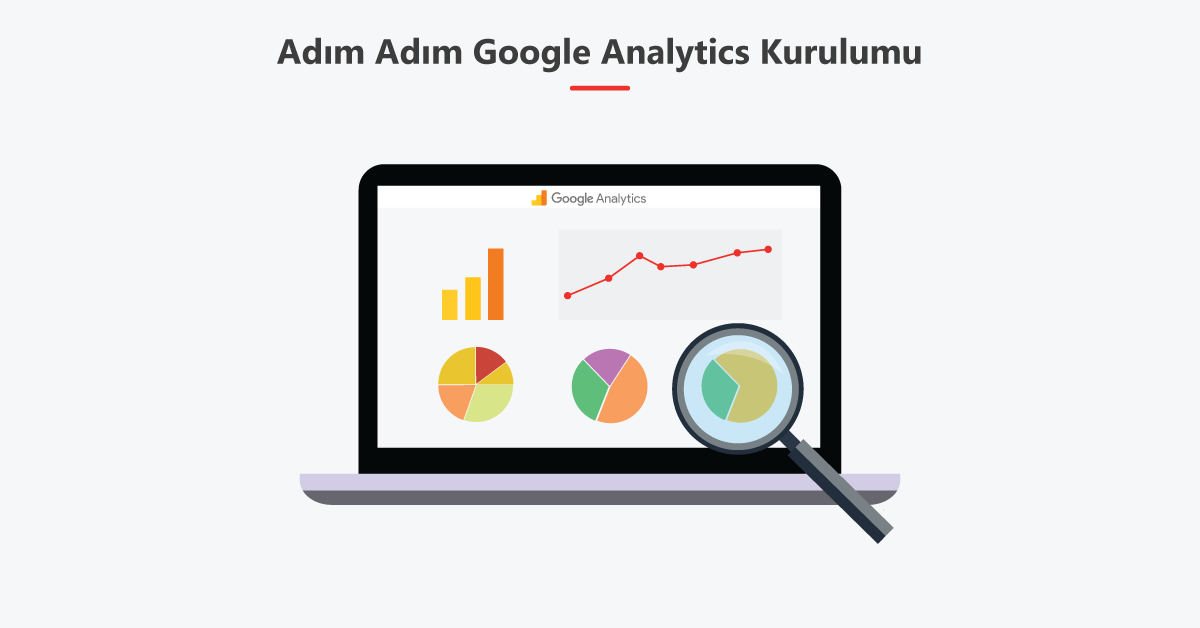
Google Analytics Setup Google Analytics is a free tool used to track website visitors and activity. Using Google Analytics, you can learn the number of visitors to your website, which pages are most frequently visited, the countries visitors are coming from, and much more. You can add Google Analytics to your website by following these steps:
- To use Google Analytics, you'll need a Google account. If you already have a Google account, you can skip this step. If you don't have a Google account, create one first.
- Google Analytics‘Go to [website address] and click the "Start" button.
- Enter the URL of the website where you want to use Google Analytics and click the “Continue” button.
- Google Analytics setup Indicate that you have read and agree to the terms of use. Click the "Continue" button.
- Get the “Tracking Code” you will use to add Google Analytics to your website. This code will be used by Google Analytics to track visitors and activity on your website.
- Add the tracking code to your website's HTML code. Typically, you add this code to the top of your website's main HTML file. If you built your website using a CMS (Content Management System) like WordPress, you can usually add the tracking code in a section such as "Theme Settings" or "Plugin Settings".
- After adding the tracking code, visit your website and go to your Google Analytics account to view the data collected by Google Analytics. Data usually starts being collected within a few hours.
You can add Google Analytics to your website by following these steps.
How does Google Analytics work?
Google Analytics is a tool used to track the behavior of users visiting your website. Google Analytics works by adding a tracking code to your website. Google Analytics Setup This tracking code is installed on the computers of users who visit your website, and when these users visit your website, the data collected by the tracking code is stored by Google Analytics.
Google Analytics uses the data it collects to help you understand your website's visitor count, which pages are visited most frequently, the countries visitors are coming from, and much more. This data is presented in various reports and graphs displayed in your Google Analytics account.
Is Google Analytics a paid service?
Google Analytics is generally free. As a tool offered by Google, using Google Analytics is usually free. However, Google Analytics has special features and add-ons, and you may need to pay to use them. For example, there is a paid version called Google Analytics 360, which offers special features and more data storage space. Google Analytics 360 is generally designed for larger clients, such as large corporations and industrial websites, and payment is required to use these features.
If you need Google Analytics data for your website, you can get help from our company.
You can contact us for more detailed information.
Telephone : 0850 309 2641 – 0549 190 2018
E-Mail: info@timeseoagency.com.tr